Show the building
Take a photo or choose one from your library. Give your estimate a visual starting point.
 BuildCostAIGet the app
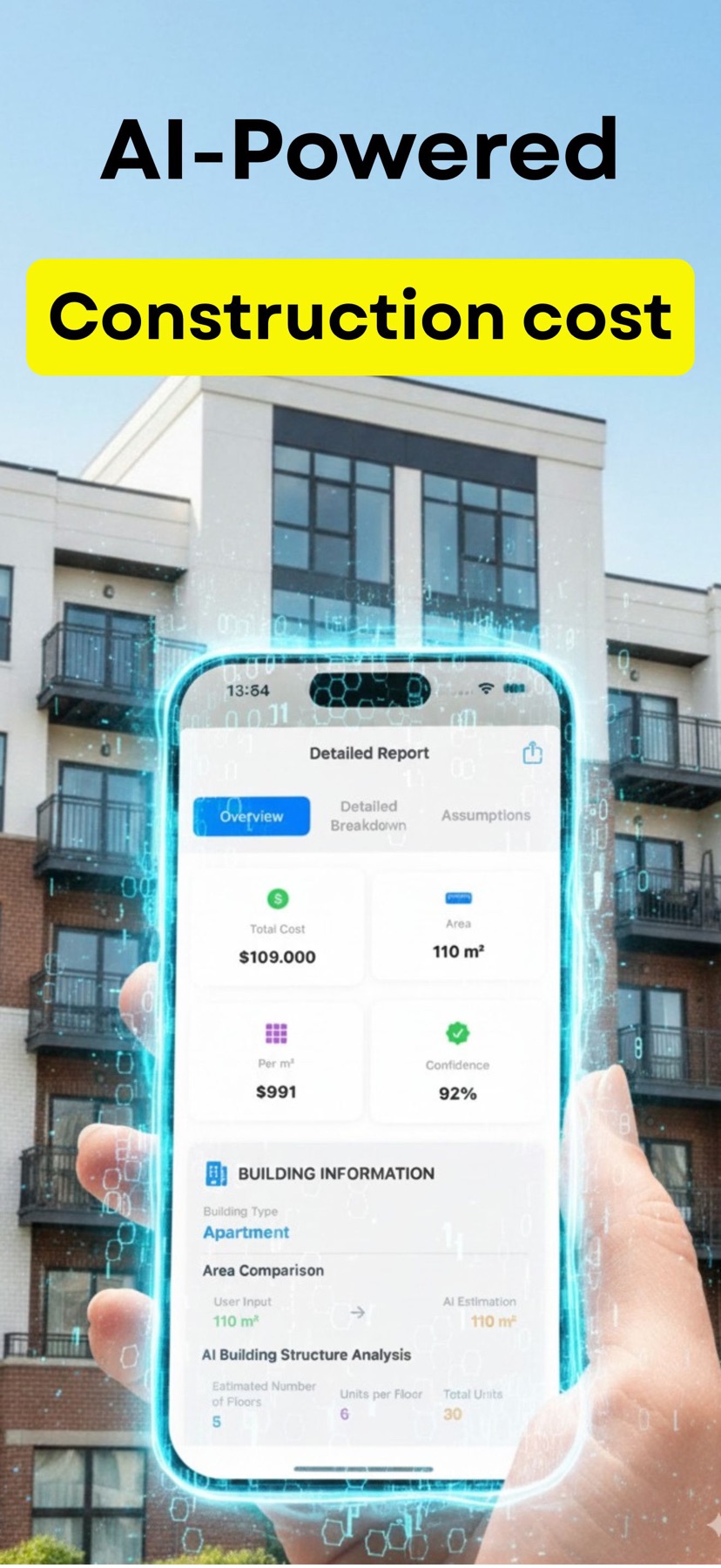
 Turn a building photo and a few project details into an AI-powered cost breakdown. Start your next project with a clearer picture.
For iPhone & iPad · Free download. In-app purchases.

A starting point for
better project decisions.
No spreadsheet to build from scratch. Bring your project details; BuildCost helps organize the numbers.
Take a photo or choose one from your library. Give your estimate a visual starting point.
Enter the building type, size and location. More complete details help make the estimate more useful.
Review materials, labor and other project costs. Export a report to support your next conversation.
Understand where a construction budget goes, from materials and labor to the costs that are easy to overlook.
Illustrative figures, not a BuildCost analysis or a local price quote. Actual costs depend on scope, location and site conditions.
Keep the project photo, cost breakdown and report close at hand. BuildCost is available for iPhone and iPad.
View on the App StoreRequires iOS 17.0 or later.

No. BuildCost provides AI-assisted estimates using photos and project information. A photo cannot reveal every structural detail or site condition. Use the estimate for early planning and confirm costs with local professionals.
Start with a clear building photo, approximate floor area, building type and location. Add any known project details to give the analysis more context.
Yes. Enter your US project location and use the units that suit your project. Regional conditions and the information you provide influence the estimate.
The app is free to download and offers in-app purchases. Check the App Store and the in-app subscription screen for current pricing and included features.
No. An AI estimate is a planning aid. A contractor quote depends on a defined scope, verified quantities, local pricing and a review of site conditions.
Learn how photo-based AI estimating works and what to review before using an early estimate.